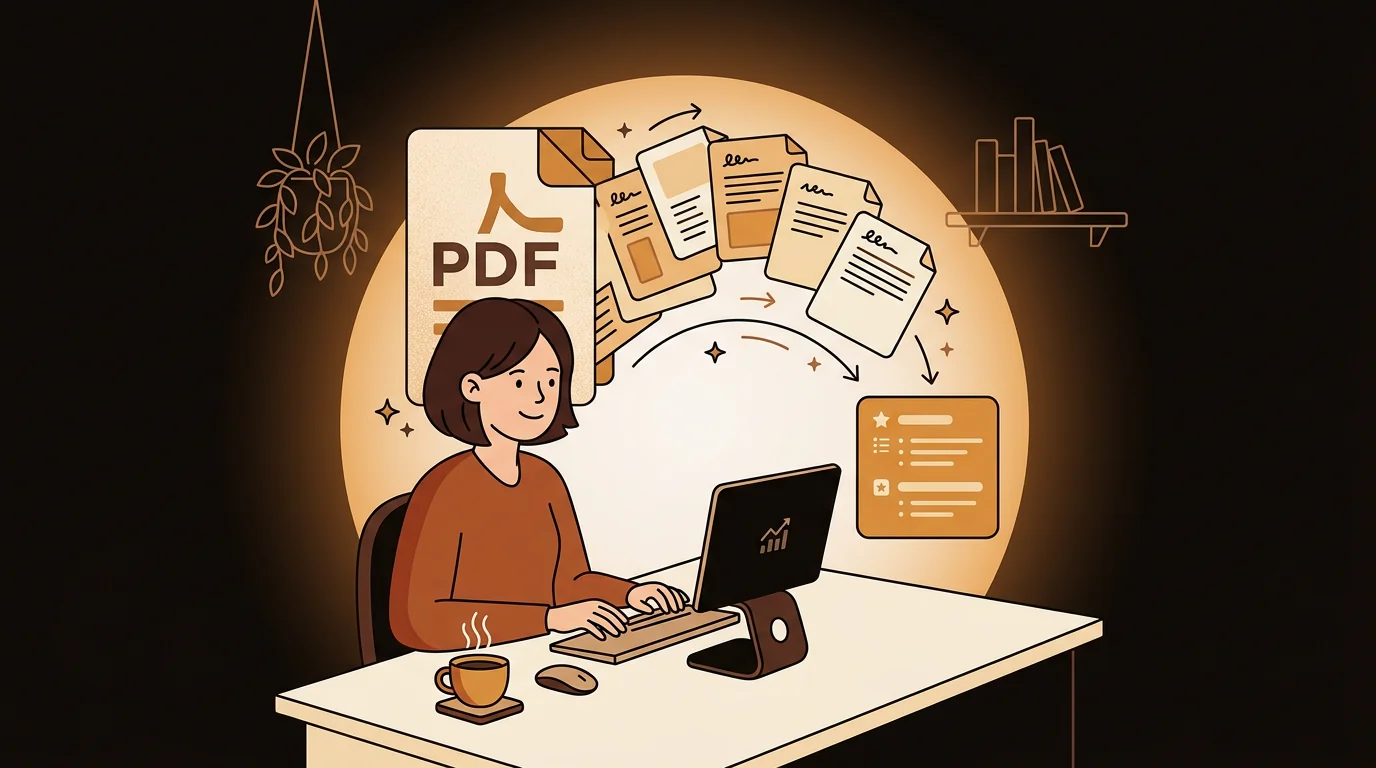
I'm a management consultant at a Big 4 firm. My job is to walk into rooms and know more about a client's industry than they expect. That requires reading — a lot of it. Analyst reports, regulatory filings, whitepapers, research PDFs. Before I found a way to summarize them with AI, I was burning hours I didn't have.
The Document Problem in Consulting
Every client engagement comes with a reading list. Before a discovery call, I might have three industry analyst reports, two competitor profiles, and a regulatory whitepaper sitting in my inbox. Each one is 20 to 50 pages. Combined, that's three to four hours of reading — and the call is tomorrow morning.
The information in those documents matters. Clients notice when you haven't done your homework. But the time to read everything in full simply doesn't exist. Consulting runs on parallel tracks: while you're deep in one engagement, the next one is already loading.
I used to solve this by skimming — jumping to executive summaries, scanning headers, reading conclusions. It worked, mostly. But I'd occasionally miss something buried on page 34 that turned out to be exactly the point the client wanted to discuss.
Why Standard Tools Didn't Work
I tried several approaches before finding one that actually fit my workflow.
Copy-pasting excerpts into a general-purpose AI chat got messy fast — PDFs don't paste cleanly, formatting breaks, and I'd spend more time cleaning up the input than I saved on the read. Browser-based "summarize this page" tools only work for web articles. Most AI document tools either have file size limits that my reports regularly exceed, or they only read the first few pages — which is exactly where the generic introduction lives, not the insight.
I needed something that could handle a real PDF — the full thing, not a preview — and give me structured output I could actually use in a meeting.
How I Use sipsip.ai for PDF Summaries
The workflow is straightforward. When a PDF lands in my inbox — a Gartner report, a McKinsey whitepaper, a client-supplied market study — I upload it directly to sipsip.ai's document summarizer. The file goes up, the AI reads the full document, and within a few minutes I get back:
- A 200–400 word summary covering the core argument and key findings
- A bulleted list of 4–6 key points — the things I'd underline if I were reading with a pen
- The full extracted text if I need to search or quote directly
That last part matters more than I expected. Being able to search the full text means I can pull an exact quote or statistic in a meeting without having to flip through 40 pages on my screen.
"I upload the PDF, get the key points in minutes, and walk into the meeting with the kind of precision that used to take three hours."
— Maya Patel
The Types of Documents I Process
My use has expanded beyond what I originally expected. I started with industry analyst reports — Gartner, Forrester, IDC. Those are the documents I used to dread most because they're dense and long. Now I process them routinely.
I've since added:
Regulatory and compliance PDFs. Legal documents are the worst to read cold. The language is dense, the structure is non-linear, and the relevant section is never where you think it is. An AI summary that extracts the key obligations and timelines is genuinely useful.
Client-provided materials. Before an intake call, clients often send internal documents — strategy decks, operational reports, org charts embedded in longer files. Summarizing these before the first meeting gives me a head start that clients notice.
Academic and research papers. When an engagement requires understanding recent research — new methodologies, emerging market data — I use the same workflow. The chunk-and-merge approach means it handles long papers without truncating the results.
EPUBs and long-form business books. When a client references a book in conversation, I want to know what's in it. I upload the EPUB and get the argument in 10 minutes instead of 10 hours.
What Changes When You Stop Skimming
The practical difference is preparation depth. I used to arrive at calls knowing the shape of a report. Now I know the content.
That shift has concrete effects. I catch nuances that skimming misses. I can reference specific findings without hedging. When a client mentions something from a document they assumed I'd read, I have context — not a vague impression.
It also changes how I use the time I save. Three hours of pre-reading compressed to 20 minutes of targeted review doesn't just mean I have more hours in the day. It means I'm spending the time I do spend on analysis instead of absorption — which is where the actual thinking happens.
Try This
Upload PDFs, EPUBs, audio files, and web articles — try the Transcriber
My Prep Workflow the Night Before a Client Call
Here's exactly how I prepare now for a major client meeting:
- Collect all documents from the client brief and my own research — usually 3–6 PDFs.
- Upload each one to sipsip.ai and run summaries while I'm doing something else.
- Read the summaries — typically 15–20 minutes for the full batch.
- Flag 2–3 key points from each document that I want to probe or reference.
- For documents with statistics I plan to quote, use the full extracted text to verify exact wording.
Total active time: 20–30 minutes. What I used to spend: 3–4 hours.
Who Else This Works For
The use case isn't limited to consulting. Anyone whose job requires reading documents they don't have time to fully absorb will recognize the problem. Analysts, lawyers, academics, journalists, investors — the format is different but the constraint is the same: more documents than hours.
If you're regularly receiving PDFs that you skim instead of read, the issue probably isn't your reading speed. It's that the current format doesn't match the time you actually have. An AI PDF summarizer doesn't replace reading — it makes sure that when you do read, you're reading what matters.
Frequently Asked Questions
Can sipsip.ai summarize any PDF, regardless of length?
Yes — sipsip.ai uses a chunk-and-merge pipeline that processes the full document, not just the first few pages. Long analyst reports, multi-chapter whitepapers, and research papers all work. File size limits are generous enough to handle standard professional documents.
Does the PDF summarizer extract tables and data from documents?
The AI extracts and summarizes text-based content from PDFs, including figures referenced in the text and tabular data that's described in prose. For dense data tables or image-heavy documents, the summary captures what the text says about the data — which is usually what matters for a meeting briefing.
How is this different from using ChatGPT to summarize a PDF?
Uploading a PDF to a general-purpose AI chat often requires copy-pasting, has context limits that truncate long documents, and produces unstructured output. sipsip.ai's document summarizer handles the full file upload directly, processes the complete document, and returns structured output — summary, key points, and full text — ready to use. Check current pricing to see what's included in the free plan.
Does it work for EPUBs and other document formats?
Yes — in addition to PDFs, sipsip.ai supports EPUB, TXT, and MP3/MP4 audio files, as well as YouTube URLs, podcast links, and web articles. The same structured summary and key points output applies across all formats.
Is the content processed securely?
Documents are processed to generate summaries and are not used to train models. For client-sensitive materials, review the sipsip.ai privacy policy before uploading confidential documents.

I'm a management consultant at a Big 4 firm. I used to spend hours pre-reading PDFs before meetings. Now I upload them to sipsip.ai, get a clean AI summary in minutes, and walk in more prepared than ever.