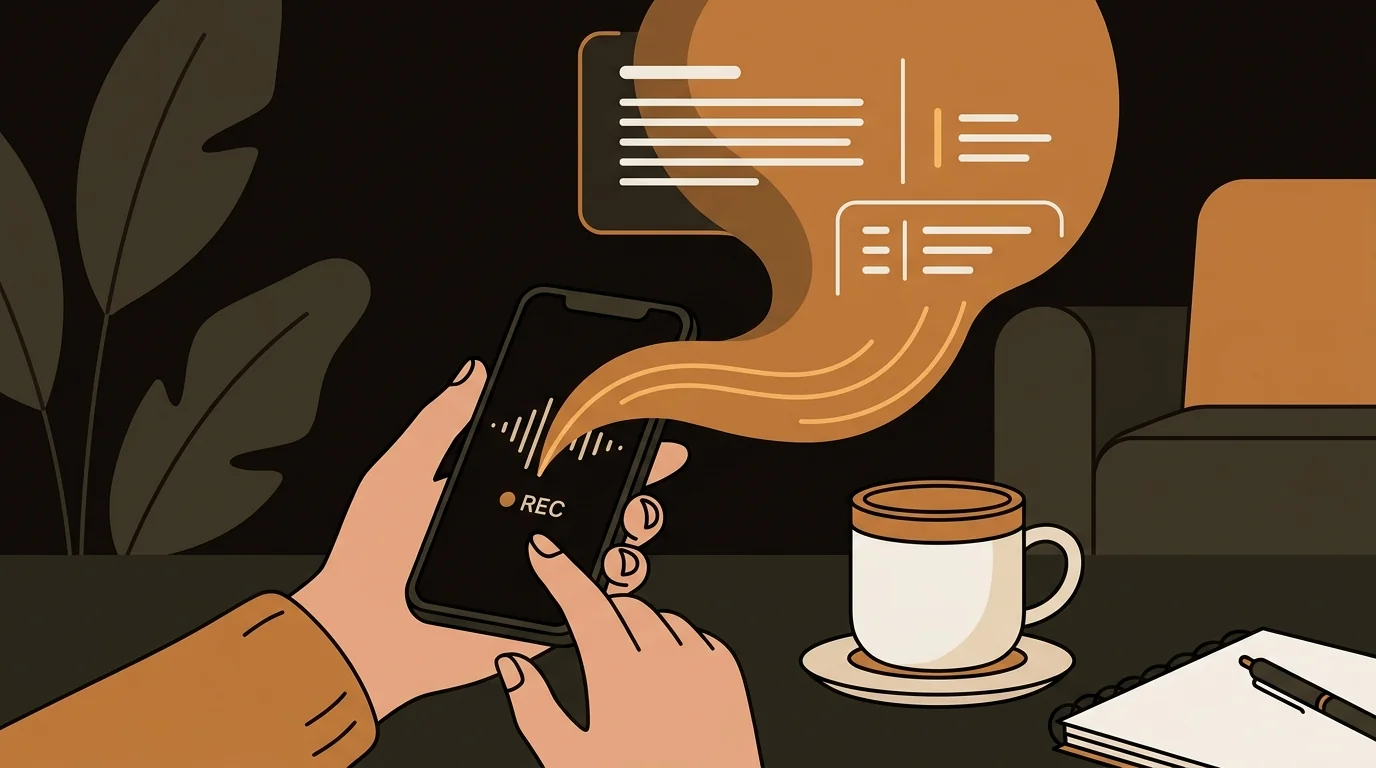
I think better when I'm talking than when I'm typing. On a walk, in a car, right after a call ends — that's when the ideas are clearest. I've been recording voice memos for years. The problem was that they lived as audio files I never went back to. Now they become text within minutes of recording.
Why Voice Memos Are Better Than Notes (And Worse)
The advantage of speaking your thoughts is obvious: it's faster, more natural, and you don't lose the thread trying to type while you think. A 90-second voice memo captures more than 5 minutes of typing, and captures it in the order the thoughts actually came out.
The problem is that audio is a terrible format for capturing ideas you'll want to use later. You can't skim it. You can't search it. You can't copy a sentence from it and paste it into a document. You have to listen to yourself talking, which is its own particular experience.
So for years I had a voice memo app full of recordings I never reviewed. Thoughts that felt important at the time — product decisions I was processing, feedback I was integrating, strategies I was working through — just sitting there as audio files.
The Workflow That Actually Works
I record on my iPhone's built-in Voice Memos app. When I'm at my desk, I AirDrop the M4A file to my laptop and upload it to sipsip.ai's audio transcriber. When I'm on the go, I email the file to myself and upload it later.
The transcript arrives in a few minutes. For a 90-second voice memo, it's nearly instant. For a longer 10-minute debrief after a difficult meeting, it takes about 2 minutes.
What I get back:
- Full transcript — everything I said, in text
- AI summary — the main point of what I was working through
- Key points — the 3–5 concrete thoughts extracted from the rambling
"I've been recording voice memos for years. Now they actually become something."
— Mia Tanaka
What I Record and Why
Post-meeting debrief. Right after a call ends, I have 3 minutes of sharp processing: what worked, what didn't, what I should do next. That processing disappears fast. I record it while walking to my next thing. Later, the transcript becomes the context for my follow-up actions.
Product ideas in transit. Driving, commuting, or on a walk is when I'm most generative. Something in the background noise or the physical movement loosens the thinking. I record whatever comes up and transcribe it later. A lot of my product roadmap decisions started as voice memos.
Weekly reviews. I do a weekly review of what happened and what matters next week. I used to write it out — now I walk around my apartment talking through it. The transcript becomes the written review. Takes half the time and feels less forced.
Thinking through decisions. When I'm stuck on something — a hire, a pricing decision, a strategic bet — I talk it out. The act of saying it aloud often clarifies what I actually think. The transcript gives me a record of that thinking I can come back to.
Related Article
How to Transcribe Voice Memos to Text (iPhone, Android & Desktop)
From Transcript to Action
The raw transcript captures what I said, but the key points are where the value is. The model is good at identifying the concrete takeaways from conversational thinking — the decisions, the action items, the questions I flagged.
Those key points go directly into my task manager. I don't maintain a separate notes system. The transcribed thoughts become tasks, context documents, or product notes depending on what they are.
The summary is useful for a different reason: it tells me what I was actually thinking about, which isn't always obvious from a rambling 8-minute debrief. Reading the summary sometimes surfaces that I was processing something I hadn't consciously identified as an issue.
The Volume
I record roughly 15–20 voice memos a week. Before this workflow, maybe 3 of them would turn into anything concrete. Now they all do, because the transcript removes the friction of going back to audio.
The searchability change is significant. A year from now, when I'm trying to remember when I made a specific product decision or what I was thinking when I changed a pricing model, I'll be able to search the transcripts and find it. That didn't exist when the memos were audio files.
Speech Quality and Accuracy
My voice memos are often recorded in imperfect conditions — on walks with wind noise, in a car with background sound, in my apartment with a ceiling fan running. The transcription is accurate enough for the way I use it.
For very noisy recordings, I get a rougher transcript. But even a rough transcript — 80% accurate — is more useful than audio I never review. The key points and summary are usually still correct even when individual words are wrong.
Frequently Asked Questions
What's the best way to get voice memo files from iPhone to the transcription tool?
The easiest methods: AirDrop to a Mac, email the file to yourself, or share it to iCloud Drive. M4A (the default iPhone Voice Memos format) uploads directly to sipsip.ai without any conversion.
How accurate is the transcription for casual spoken speech?
Casual speech — with pauses, self-corrections, incomplete sentences — transcribes well. The model handles natural speech patterns better than older transcription tools that expected clean, read-aloud audio. Accuracy drops with heavy background noise, but the AI summary and key points remain useful even from imperfect recordings.
Can I transcribe Android voice memos the same way?
Yes. Android voice memo apps typically export as MP3 or AAC files. Both formats are supported. The workflow is identical: export the file, upload it, get the transcript.
Is there a way to do this automatically without manually uploading each file?
For automatic daily audio content, Daily Brief lets you subscribe to podcasts and YouTube channels and receive AI summaries. For personal voice memos, manual upload is the current method — you control what gets processed.
Does it work for longer recordings, like a 30-minute debrief?
Yes. Longer files take proportionally more processing time — a 30-minute audio file typically takes 4–6 minutes. Check the pricing page for file size and duration limits by plan.

I record voice memos constantly — product ideas, meeting debrief, half-formed thoughts on a walk. sipsip.ai transcribes them into text I can actually use. My notes app finally has real content in it.