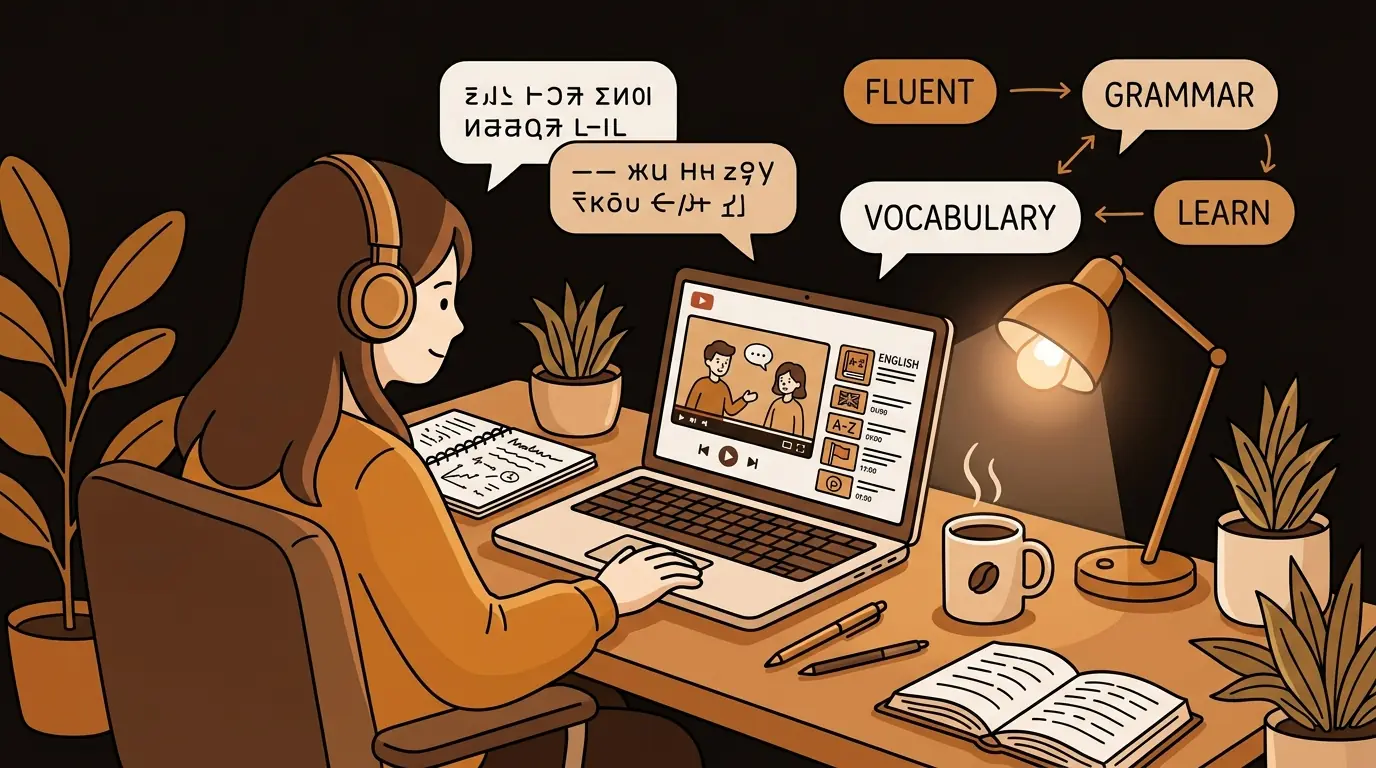
I'm a software developer in Seoul. My English is good enough to read documentation, but listening comprehension — especially fast-talking conference speakers — has always been my weak point. Using YouTube transcripts changed how I study, and I want to share exactly how.
Why I Chose YouTube as My English Classroom
Language apps are fine for basics, but they use artificial sentences. I wanted to learn English the way it's actually spoken in my industry — in tech talks, developer conferences, and startup founder interviews. The vocabulary, the rhythm, the idioms. You don't get that from Duolingo.
YouTube had everything I wanted to learn from: React Summit talks, Stripe developer keynotes, Y Combinator founder interviews, system design deep-dives. Real content, real English, real density. The problem was keeping up.
The Pause Problem
When I watched videos without transcripts, I was pausing every 10–15 seconds. Rewind to catch a phrase. Look up a word. Lose the context. By the time I got back to the video, I'd forgotten what came before. A 20-minute talk could take 90 minutes. It was exhausting, and I kept procrastinating on studying because of it.
YouTube's auto-captions helped a little — but they were often inaccurate for technical terms, and reading white text on video is hard to focus on. I needed something cleaner.
How I Use sipsip.ai Transcripts to Study
My workflow now: I paste a YouTube URL into sipsip.ai's transcriber and get a clean, accurate transcript. Then I study in two passes.
First pass: I read the transcript before watching. I highlight unfamiliar words or phrases, look them up, and make sure I understand the topic at a high level. This removes the comprehension ceiling — I'm not going into the video cold.
Second pass: I watch the video, but now I'm listening for how things sound, not struggling to understand meaning. The comprehension gap is already closed. I'm training my ear, not fighting vocabulary.
"I'm not going into the video cold anymore. The transcript closes the comprehension gap before I watch — so I'm training my ear, not fighting vocabulary."
— Jiwon Kim
The Vocabulary Payoff
What surprised me most was how much technical English vocabulary I was picking up — not from a textbook, but from the way real people talk. Phrases like 'surface area', 'it ships with', 'under the hood', 'move the needle'. These expressions are everywhere in English tech culture and almost nowhere in learning materials.
I started keeping a running vocabulary document from transcript highlights. In three months I've added over 400 expressions specific to my domain. Not just words — the context and rhythm around them.
What Made sipsip.ai Work Better Than Other Tools
I tried several transcript tools before settling on sipsip.ai. The accuracy on technical vocabulary was significantly better — terms like 'observability', 'idempotent', 'eventual consistency' were transcribed correctly instead of replaced with phonetically similar non-words. For a developer, this matters.
The clean, readable format also makes a difference. I can copy a paragraph and paste it into my notes or a translation tool easily. The transcript is text I can actually work with, not a locked-in panel I can't interact with.
Try It Free
Get clean transcripts for any YouTube talk — sipsip.ai Transcriber
My Results After Six Months
My listening comprehension at 1x speed is now comfortable for most tech talks. I still use transcripts as a pre-reading step for dense content, but I no longer need to pause constantly. In my last code review at work with an English-speaking colleague, I followed the entire conversation without asking anyone to slow down.
I also enjoy the content more. When you're not fighting to keep up, you can actually engage with the ideas. Learning doesn't feel like work anymore — it feels like watching talks I genuinely want to watch.
Frequently Asked Questions
Does this method work for other languages, not just English?
Yes. sipsip.ai supports transcription in multiple languages. The same workflow — read transcript first, then watch — works for any language where you have a comprehension gap. Korean learners studying English, French speakers learning Japanese, anyone learning from authentic content.
Is the transcript accurate enough for technical content?
In my experience, yes — noticeably better than YouTube auto-captions for technical vocabulary. I've processed React, AWS, system design, and startup talks and found the accuracy consistently reliable for domain-specific terms.
How long does it take to get a transcript?
For a 30-minute video, usually under 2 minutes. The speed is one of the reasons it fits naturally into a pre-study routine rather than feeling like overhead.
Can I use this for paid or private courses, not just public YouTube videos?
sipsip.ai works with publicly accessible YouTube URLs. For private or paywalled content, you'd need to check the platform's terms and whether the content can be accessed via URL.

I'm a Korean software developer learning English from tech talks on YouTube. sipsip.ai transcripts let me read at my own pace, build real vocabulary, and actually absorb what I'm watching.