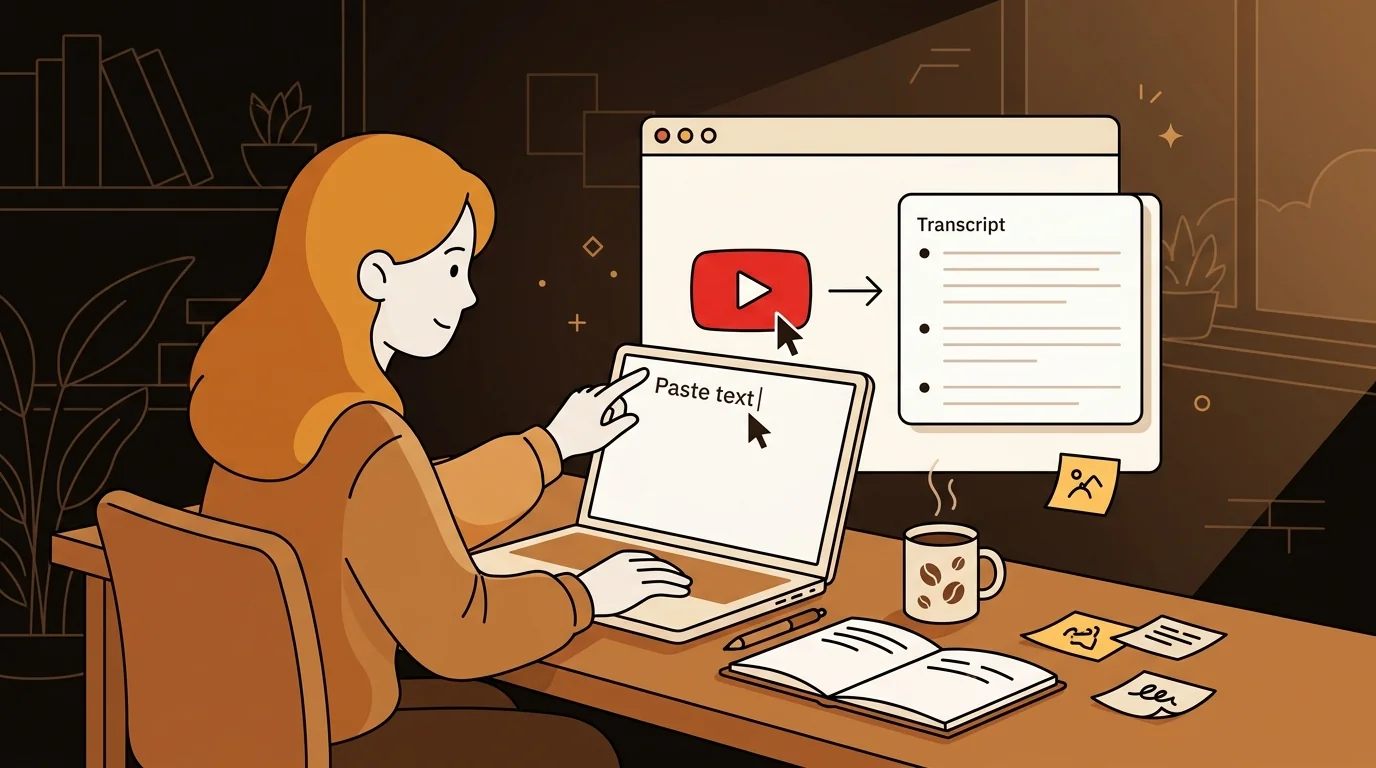
I'm finishing a master's in computational linguistics. Between seminars, conference talks, and lecture series, I watch a lot of academic YouTube — and I need to be able to quote, search, and cite it. For a long time, that meant manually rewatching and pausing. Now it takes me about 5 seconds.
The Academic YouTube Problem
Academic content on YouTube is dense. A 50-minute conference keynote might contain 3 genuinely citable points and 47 minutes of context. Finding those points again — for a paper, a presentation, a literature note — requires either an excellent memory or a system.
YouTube has auto-generated captions on most videos, but they're not accessible in a usable text format. You can turn on closed captions, but you can't search them, you can't copy a block of text, and you can't export them to your notes. The platform is designed for watching, not reading.
I needed a way to turn YouTube videos into text I could work with. I didn't want to pay for a subscription tool for this. And I didn't want to create an account somewhere just to get a transcript.
The Tool That Actually Works
Sipsip.ai's free YouTube transcript tool does exactly what it says: paste a YouTube URL, get the transcript. No account. No paywall. No installation.
I found it by searching for a free YouTube transcript generator. Most tools I found required sign-up or had aggressive limits on the free tier. This one just works. You paste the link and the transcript appears in a few seconds.
For a 50-minute lecture, the full transcript comes back in under 10 seconds. It's using YouTube's existing caption data — which is why it's fast — reformatted as clean, readable text.
"I paste the link, I get the text. That's the whole workflow. It takes less time than navigating to the video."
— Kai Nakamura
How I Use the Transcripts
Searching for specific content. I use Ctrl+F on the transcript to find the moment I half-remember. Someone said something interesting about phonological transfer in a 2024 talk — I can find it in seconds instead of scrubbing through the video.
Quoting accurately. Academic writing requires exact quotation. The transcript gives me the speaker's actual words, which I verify against the video when it matters for a formal citation.
Reading instead of watching. Some lectures are better read than watched. I can skim a 60-minute talk in 10 minutes by reading the transcript, identify the relevant sections, and only watch those parts. My content consumption rate has roughly tripled.
Building literature notes. I use Obsidian for my research notes. Paste the transcript, highlight the relevant passages, link to my other notes. A lecture becomes part of my searchable knowledge base instead of a video file I'll never find again.
Try This Free
Free YouTube Transcript Tool — Paste Any URL, Get Clean Text Instantly
Which Videos Work
The tool extracts captions from any YouTube video that has them — which is most videos, since YouTube auto-generates captions in a wide range of languages. Older academic content, niche conferences, and videos in less common languages sometimes lack captions, in which case the tool can't return a transcript.
For videos without existing captions, the AI-powered transcription in sipsip.ai's Transcriber can process the video file directly — though that requires downloading the video first.
Languages Beyond English
My research involves multilingual content. I regularly watch talks in Japanese and German. The free transcript tool extracts whatever captions YouTube has — so if the video has Japanese captions, I get Japanese text.
This has been useful beyond the obvious: I can use the transcript with a translation tool to get a working translation much faster than watching a foreign-language video with subtitles.
Frequently Asked Questions
Is the free YouTube transcript tool really free with no account required?
Yes. sipsip.ai's YouTube transcript tool requires no account and no payment. Paste the URL and get the transcript — that's the complete experience.
What YouTube videos can it transcribe?
Any public YouTube video that has captions — either auto-generated or manually added by the creator. Most videos have auto-generated captions in the video's primary language. Private videos, unlisted videos without captions, and very recently uploaded videos (before YouTube processes captions) may not work.
How is this different from just turning on YouTube's closed captions?
YouTube's closed captions display text over the video but don't give you the text in a copyable, searchable format. The transcript tool returns the full text as a readable block — you can copy it, search it, paste it into your notes, or feed it to an AI tool.
Can I use the transcript for academic citation?
The transcript text reflects what was said in the video. For formal academic citation, verify important quotes against the video, and cite the original video (with timestamp) as your source, not the transcript tool.
Does it work on mobile?
Yes — the tool is browser-based and works on mobile. The experience is slightly less convenient for copying long transcripts on a phone, but it works.

I'm a grad student with no tools budget. sipsip.ai's free YouTube transcript tool gives me searchable text from any lecture video instantly — no account, no paywall.