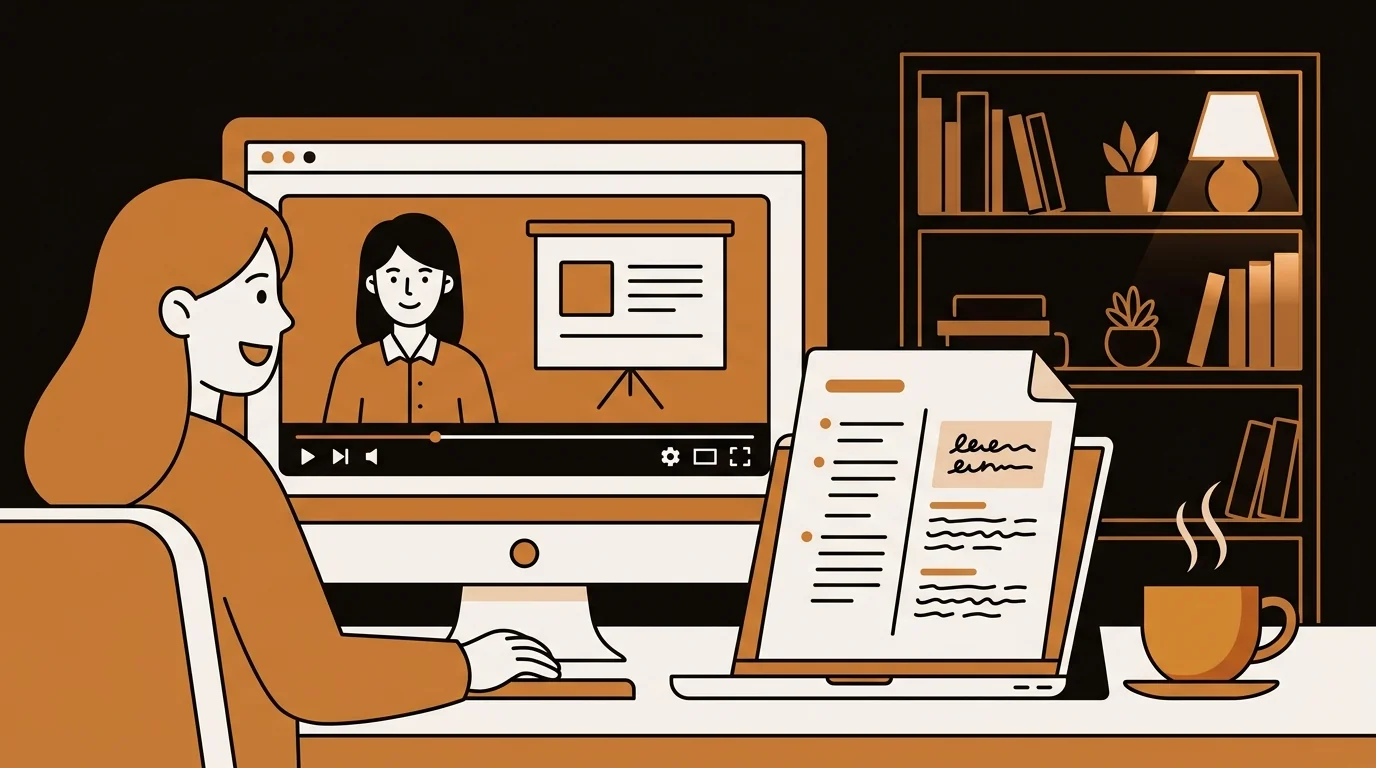
I create online courses and teach live workshops on digital marketing. Every session I record gets uploaded to a learning platform — but video alone isn't accessible to all learners, and it can't be searched or repurposed. A free video transcriber changed what I'm able to offer students without changing how I teach.
Teaching on Video and What Gets Lost
I record my lessons for two reasons: students who miss live sessions can watch the replay, and I build course libraries from the recordings. Video works well for demonstrations and explanations. It doesn't work well for everything else a learner needs.
You can't search a video. A student trying to find where I explained a specific concept has to scrub through a 45-minute recording based on rough memory of when I covered it. They usually don't — they either rewatch the whole thing or give up.
You also can't adapt video content easily. Taking a 40-minute video lesson and turning it into a reading summary, a quiz, or written supplementary material requires either re-recording or transcribing first. Transcribing manually is the bottleneck that killed most of my content repurposing plans.
Video to Text: The Free Workflow
Sipsip.ai's free video transcriber accepts the video files I already produce. I record lessons as MP4 (my screen recorder's default format) and upload them directly. No audio extraction, no format conversion.
For a 45-minute lesson, the transcript is ready in about 5–7 minutes. The output:
- Full transcript — everything I said, as readable text
- AI summary — a concise overview of what the lesson covered
- Key points — the main concepts taught
That's the complete content layer for a lesson. Video for watching, transcript for searching, summary for orientation.
"Students can now search my lessons like a document. The transcript turned a video archive into a knowledge base."
— Elena Rossi
What I Do With the Video Transcripts
Student transcripts. I post the transcript alongside each lesson recording on the course platform. Students with accessibility needs, non-native speakers who need to reread, and visual learners who prefer text all benefit. It also makes the course more discoverable — text content is indexed by search; video is not.
Searchable lesson archive. I now have a folder of lesson transcripts I can Ctrl+F through. When a student asks "where did you cover X?", I search my transcripts and give them a timestamp instead of rewatching the video myself.
Written content repurposing. The lesson transcript becomes the first draft of a written guide or blog post. I teach the concept on video, get the transcript, and edit it into written form. The same material becomes two formats with a fraction of the extra effort.
Course improvement. Reading back what I said — rather than watching myself say it — makes it easier to identify where my explanation was unclear, where I repeated myself, and where I assumed knowledge the students might not have. The text is easier to analyze than the video.
Try Free
Free Video Transcriber — Upload MP4 or MOV, Get Text Instantly
File Formats From Different Recording Setups
I use three different recording setups depending on the lesson type:
MP4 (OBS, Loom, Zoom recordings) — my main format for screen-share lessons MOV (QuickTime on Mac) — for webcam-only or presentation recordings MP4 from phone — for in-person workshops I record on a tripod
All three upload and transcribe without any conversion step needed.
Languages and Accessibility
I teach primarily in English, but I occasionally deliver workshops in Italian for European clients. The transcription handles both languages. For bilingual sessions where I switch languages, the output is less clean but still usable.
For accessibility purposes, having a text transcript makes course content compliant with accessibility guidelines that many institutional clients require. This has become a selling point I didn't anticipate — the free transcription workflow now helps me win contracts with universities and corporate training departments that have accessibility requirements.
Frequently Asked Questions
Is the free video transcriber actually free?
Yes. Sipsip.ai's video transcriber converts video files to text without an account or payment on the free tier. Usage limits apply — check pricing for current details. For a small course creator doing a few transcriptions a week, the free tier typically covers it.
What video formats does it support?
MP4, MOV, and other common video formats are supported. If your screen recorder or camera produces a supported format (most do), you can upload directly without conversion.
How accurate is the transcription for lecture-style speech?
Lecture speech — clear, continuous, at a moderate pace — is where AI transcription performs best. Accuracy is consistently high for standard lecture recordings in quiet environments. Technical terminology, brand names, and proper nouns occasionally need correction.
Can students use the transcripts with accessibility tools?
Yes. The transcript is plain text that works with screen readers, text-to-speech tools, and translation software. This is one of the primary reasons to offer transcripts alongside video lessons.
Is there a way to automatically transcribe new videos as I upload them?
Currently, sipsip.ai uses a manual upload workflow. For audio content like podcasts, Daily Brief offers automatic monitoring. For ongoing video transcription automation, the manual upload process is fast enough for most course creation workflows.

I teach online and record every lecture as a video file. sipsip.ai's free video transcriber converts them to text — so my students get searchable transcripts and I get reusable content.